Ytseotoolz: Use Free SEO Toolboxes Safely
How to get value from free YouTube and SEO tool collections without trusting bad data or risking your accounts.

"Ytseotoolz" is one of many search terms people use to find free, all-in-one collections of SEO and YouTube optimization tools: tag generators, keyword suggesters, rank checkers and the like. These free toolbox sites can be handy, but they vary wildly in quality and safety, and the data they show is only as good as the source behind it. This guide explains what a site like ytseotoolz typically offers, how to read its output, how to fix what it finds, and how to tell a trustworthy free tool from a risky one.
The short version
- "Ytseotoolz" refers to the category of free multi-tool SEO and YouTube sites, not a single official product; treat any such site on its merits.
- Free toolbox sites are fine for quick ideas and spot checks, but their keyword volumes and "scores" are estimates, so verify anything important against a primary source.
- Vet a free tool before trusting it: never enter passwords, and be wary of sites that promise guaranteed rankings, sell fake subscribers, or push shady downloads.
- For accurate data, anchor on first-party tools: Google Search Console, YouTube Studio Analytics, Google Trends and PageSpeed Insights.
What a site like ytseotoolz actually offers
Free SEO toolbox sites bundle a grid of small utilities on one page. The common ones include a YouTube tag generator, a keyword suggestion tool, a title and description helper, a rank or SERP checker, a backlink counter, a meta-tag analyzer and various text utilities. The appeal is obvious: no signup, no cost, everything in one place.
The trade-off is depth and reliability. Because they are free, these tools usually pull from public or scraped data rather than a large proprietary index, so their keyword volumes and difficulty scores are rough approximations. They are genuinely useful for brainstorming and quick checks. They are not a substitute for the primary tools that report real data about your own channel or site. Think of a toolbox site as a sketchpad, not the source of truth.
How to read what these tools report

Each utility on a toolbox site gives you a different kind of output. Read them with the right level of trust:
- Tag and keyword generators produce ideas. Treat the list as suggestions to evaluate, not commands. Pick the terms that genuinely match your video or page, and discard the rest.
- Search volume and "difficulty" numbers are estimates. Use them to compare terms relative to each other, not as precise figures. Cross-check the ones that matter in Google Trends or a first-party keyword tool.
- Rank and SERP checkers show a position under whatever location and device the tool used, which may not match your audience. Our Google rank checker guide explains why positions vary.
- Scores and grades apply generic rules. A low score can flag a real oversight, but treat the specifics with the same skepticism you would any automated checker.
Tip: use free toolboxes for ideas, primary tools for decisions
A tag generator is a great way to break writer's block on which keywords to consider. But before you build a video or article around a term, confirm real interest in Google Trends and, for your own properties, in YouTube Studio or Search Console. Ideas from a free tool, decisions from first-party data.
How to vet a free tool before you trust it
Not every free toolbox site is safe, and this is the part most guides skip. Before you rely on one, run these checks:
- Never enter credentials. A legitimate free SEO tool never needs your Google, YouTube or website password. Anything asking for a login to "analyze your channel" outside of official Google or YouTube sign-in is a red flag.
- Distrust guarantees. No tool can guarantee first-page rankings or a set number of subscribers. Claims like that signal low quality at best and a scam at worst.
- Avoid anything selling engagement. Sites that offer to sell views, subscribers or backlinks are pushing tactics that violate platform policies and can get your channel or site penalized. Our complete SEO guide explains why bought engagement backfires.
- Watch for aggressive downloads and ads. If a "tool" wants you to install software or click through deceptive download buttons, close the tab. Real browser-based tools run in the page.
Being careful about links you follow is a broader SEO safety skill too. Our guides on checking whether a link is safe and using a link safety checker cover how to inspect a URL before you click.
Fixing what a YouTube SEO tool finds
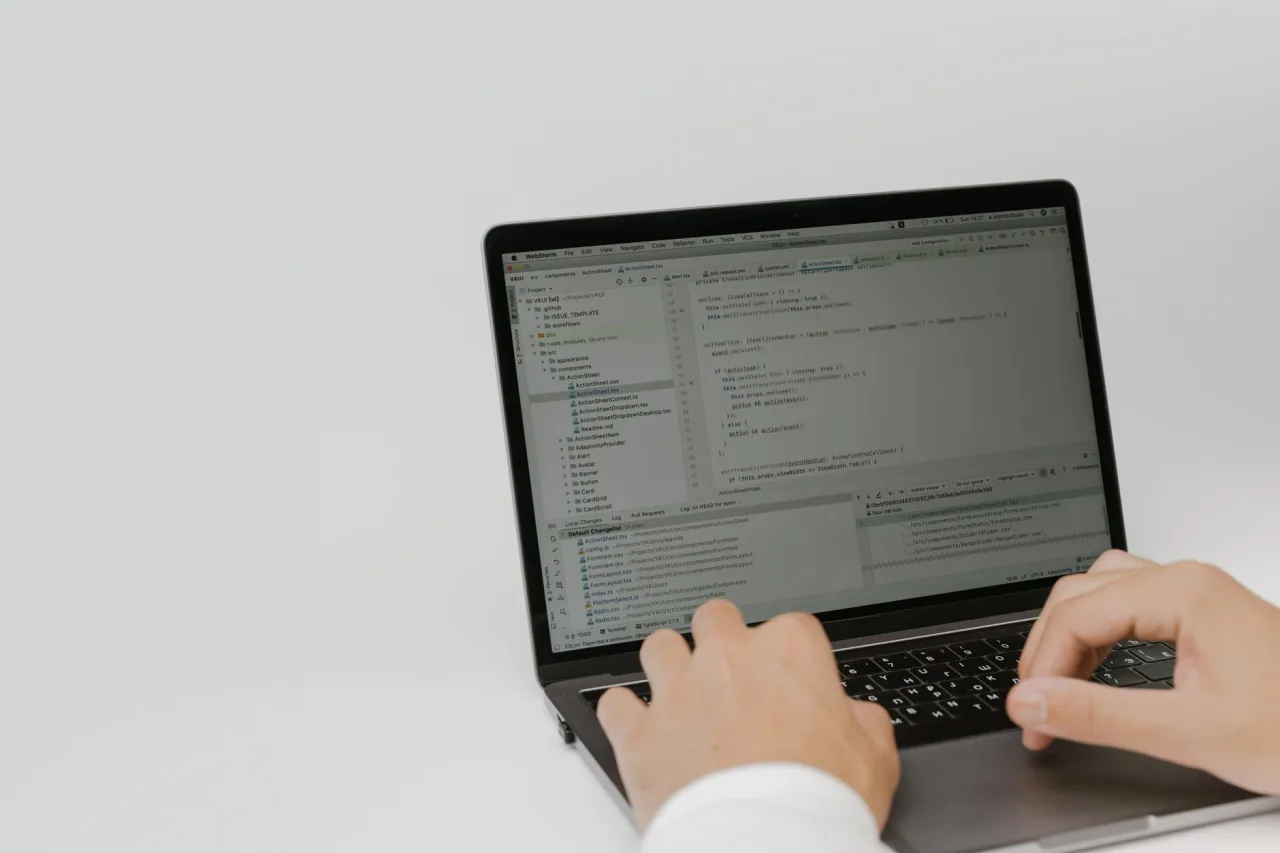
When a toolbox flags issues on a video or page, translate them into real improvements:
- Weak or missing tags: add a small set of accurate, relevant tags. Tags are a minor signal on YouTube, so do not stuff them; describe the video honestly.
- Thin title or description: write a clear, compelling title with your main keyword near the front, and a description that genuinely explains the video and includes relevant terms naturally.
- Missing keywords: weave your target phrase and natural variations into the title, description and, for articles, the headings, always for the human first.
- Slow page (for website tools): confirm speed in Google PageSpeed Insights and fix the real bottlenecks, usually large images and render-blocking scripts.
For the on-page side of website work, our SEO optimization checker guide walks through each factor in depth.
The reputable free tools to anchor on
404Pulse does not operate its own toolbox, and the most reliable free tools are the first-party ones. Build your workflow around these:
- YouTube Studio Analytics for real data on your videos: impressions, click-through rate, watch time and traffic sources. Nothing third-party beats it for your own channel.
- Google Search Console for real search performance on your website, including which queries earn impressions and clicks.
- Google Trends to validate whether interest in a topic or keyword is rising, falling or seasonal before you invest.
- Google PageSpeed Insights for accurate page-speed and Core Web Vitals data with concrete fixes.
If you specifically want browser tools for YouTube keyword and tag research, our companion guides on YT SEO tools and YT SEO toolz cover the reputable options in more detail.
Warning: "free" sometimes means you are the product
Some free toolbox sites monetize through intrusive ads, data collection or redirects rather than useful features. If a site is cluttered with pop-ups, pushes you toward paid "guaranteed ranking" services, or asks for permissions it does not need, leave. Your time and safety are worth more than a slightly faster tag list.
A safe, effective workflow
Put it together into a routine you can trust. Use a free toolbox site for the low-stakes, creative parts: generating tag and keyword ideas and doing a quick sanity check on a title. Then move every real decision to first-party data: validate demand in Google Trends, measure your own performance in YouTube Studio and Search Console, and confirm page speed in PageSpeed Insights. Never enter a password into a third-party tool, never buy engagement, and treat any guarantee as a warning sign. Used this way, free tools speed up your ideation without exposing you to bad data or risk. For the strategy that ties it together, see our complete SEO guide.
Frequently asked questions
Is ytseotoolz a single official tool?
No. "Ytseotoolz" is a search term people use to find free, all-in-one SEO and YouTube tool collections, and several unrelated sites use similar names. There is no single official product behind the phrase, so judge any given site on its features, data quality and safety rather than assuming it is authoritative.
Are free YouTube SEO toolbox sites safe to use?
Many are fine for basic tasks, but quality and safety vary. Use them only for low-risk jobs like generating tag ideas, never enter your account passwords, and avoid any site that guarantees rankings, sells views or subscribers, or pushes suspicious downloads. When in doubt, stick to first-party tools from Google and YouTube.
How accurate are the keyword volumes these tools show?
Treat them as rough estimates. Free tools usually rely on public or scraped data rather than a large proprietary index, so their volumes and difficulty scores are approximate. They are useful for comparing terms against each other, but verify anything important in Google Trends or a first-party keyword tool before you commit.
Do YouTube tags still matter for ranking?
Tags are a minor signal on YouTube. They can help with spelling variations and disambiguation, but the title, description, thumbnail, watch time and audience engagement matter far more. Add a small set of accurate tags, describe the video honestly, and put your effort into the content and the click-through-worthy title and thumbnail.
What free tools give the most reliable data?
First-party tools are the most reliable and cost nothing. YouTube Studio Analytics shows real data about your videos, Google Search Console shows real search performance for your website, Google Trends validates topic demand, and Google PageSpeed Insights measures page speed accurately. Anchor your decisions on these rather than third-party estimates.
More on SEO Checkers & Tools
Have a question or a topic to suggest?
We read every message. Tell us what you would like to see next.
Get in touch