SEO Tester Free: Complete Guide
What free SEO testers actually measure, which ones are genuinely worth using, and how to turn a scan into a prioritized fix list.

A free SEO tester lets you scan a page or a whole site and get back a plain-language list of what is helping and hurting your search visibility, without paying for a subscription. This guide explains what these testers actually measure, which free ones are genuinely worth using, and how to turn a scan report into a prioritized fix list.
The short version
- A free SEO tester checks on-page factors, technical health, and performance, then scores or flags issues.
- The best free options are Google Search Console, PageSpeed Insights, Bing Webmaster Tools, and the Screaming Frog free tier.
- 404Pulse does not sell a proprietary tester; this is an honest guide to the real tools that already exist.
- A high score means little on its own. Fix the issues that block indexing or slow the page first.
What a free SEO tester actually checks
Whether you search for "seo tester free" or "seo tester online," you are looking for the same thing: a tool that inspects your page and reports problems in categories you can act on. Most testers cover three broad areas.
- On-page factors: title tag, meta description, heading structure, image alt text, and internal links.
- Technical health: indexability, robots directives, canonical tags, structured data, HTTPS, and broken links.
- Performance and experience: page speed, mobile friendliness, and the Core Web Vitals that measure loading and stability.
The tester crawls the page, compares what it finds against known best practices, and produces either a numeric score or a pass and fail checklist. The score is a summary; the checklist is where the value lives.
An honest note on "free SEO testers"

Many sites in this space advertise "our free tool" and show a scan animation to capture your email. Some are useful; many exist mainly to sell you an upgrade. We want to be straight with you: 404Pulse does not operate a proprietary SEO tester, and we will not pretend a fake scanner produced real results. Instead, this guide points you to established free tools that professionals actually rely on, and shows you how to read their output. That is more useful than any branded gauge.
The best genuinely free SEO testers
You can assemble a complete free testing stack from these tools, all offered by reputable providers.
- Google Search Console: the single most important free tool. It shows how Google indexes your site, which queries bring impressions and clicks, coverage errors, and Core Web Vitals field data. It is not a one-click scanner, but it reports on real Google behavior rather than a simulation.
- Google PageSpeed Insights: tests a single URL and returns performance scores plus specific Core Web Vitals diagnostics. Free and unlimited.
- Bing Webmaster Tools: includes a built-in Site Scan feature that flags on-page and technical issues, and it covers Bing indexing which Search Console does not.
- Screaming Frog SEO Spider (free tier): a desktop crawler that scans up to 500 URLs at no cost, surfacing broken links, redirect chains, duplicate titles, and missing metadata.
- Free tiers from Ahrefs and Moz: Ahrefs Webmaster Tools offers a free site audit for verified sites, and Moz provides limited free checks. Treat their paid upsells with normal skepticism and use current pricing pages if you consider upgrading.
For scanning individual pages rather than whole sites, our walkthrough of a free SEO checker and our guide to running a full SEO audit both pair well with these testers.
How to read a tester report without panicking
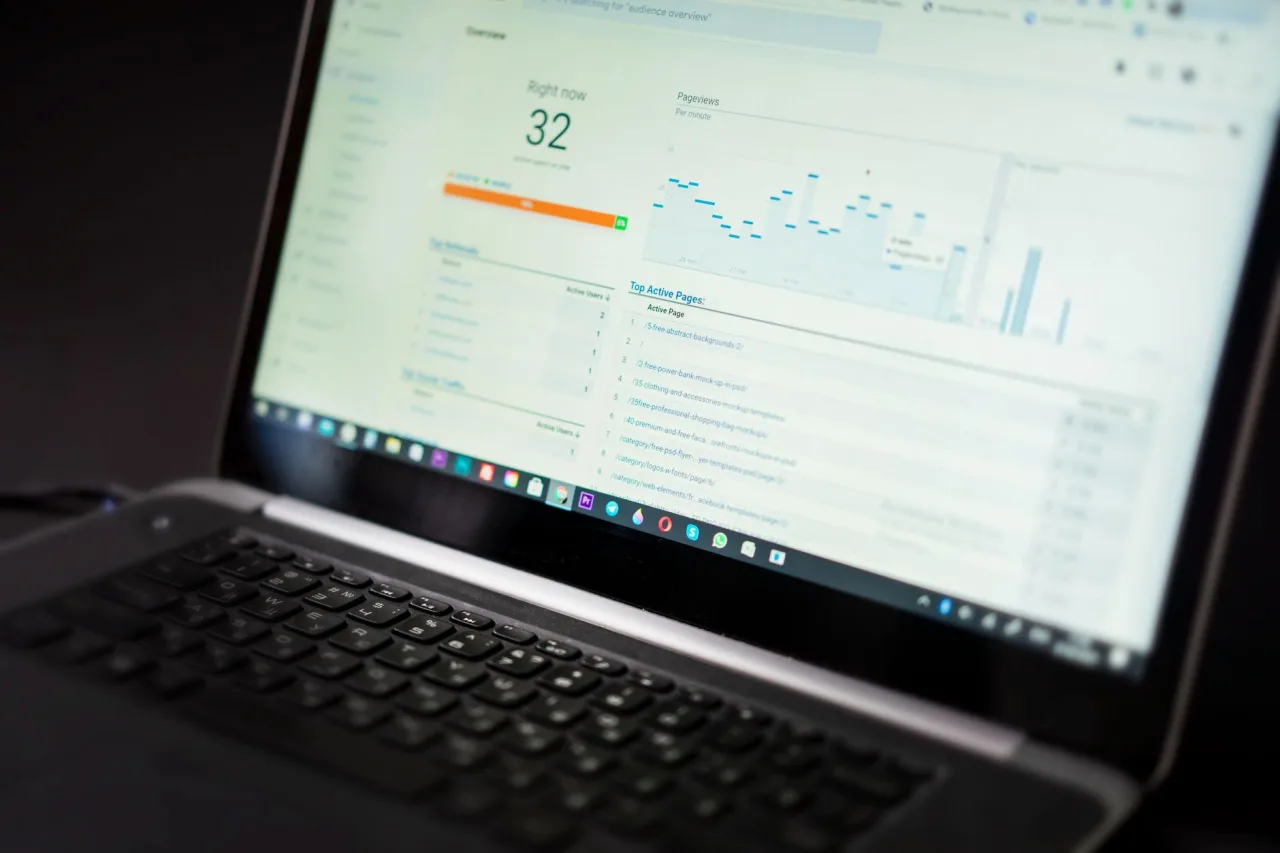
The first time you run a scan, the list of issues can look alarming. Most reports mix critical problems with cosmetic warnings, so the skill is triage. Sort every flagged item into one of three buckets.
- Blocking issues: anything that stops indexing or breaks the page. A stray
noindex, a broken canonical, server errors, or major broken links belong here. Fix these first. - Ranking-relevant issues: missing titles, thin content, slow Core Web Vitals, and no internal links. These shape performance and deserve steady attention.
- Cosmetic warnings: a title a few characters too long, one missing alt attribute on a decorative image. Worth cleaning up, but not urgent.
Tip: Ignore the headline score and read the issue list instead. A page can score 95 and still be deindexed by one robots directive, or score 70 and rank well because the content is excellent. The number is a rough signal, not a verdict.
Understanding the performance scores
Performance is where free testers overlap most, because they all lean on the same underlying metrics. The three Core Web Vitals, documented on web.dev, set the standard:
- Largest Contentful Paint (LCP): loading. A good score is 2.5 seconds or less.
- Interaction to Next Paint (INP): responsiveness. Aim for 200 milliseconds or less.
- Cumulative Layout Shift (CLS): visual stability. Target 0.1 or less.
Google measures these at the 75th percentile of real page loads across mobile and desktop, so a lab tool like PageSpeed Insights gives you a snapshot while Search Console shows the field reality over time. If your tester flags poor vitals, dig into the specifics in our Core Web Vitals guide.
Turning a scan into a fix plan
A report is only useful if it becomes action. Here is a repeatable workflow that keeps you from chasing cosmetic warnings while real problems fester.
- Run the same page or site through two tools, for example Search Console plus PageSpeed Insights, so you can cross-check findings.
- Export or note every issue and tag it as blocking, ranking-relevant, or cosmetic.
- Fix all blocking issues in one focused session, then request reindexing in Search Console.
- Schedule ranking-relevant fixes over the following weeks: rewrite thin content, add internal links, improve speed.
- Re-test after each round so you can confirm the change worked and did not introduce a new problem.
Following Google's own SEO Starter Guide keeps this work grounded in what the search engine genuinely rewards, rather than in whatever a scoring gauge happens to weight.
Warning: Be cautious with free testers that require you to paste in login credentials or install a browser extension with broad permissions. A legitimate tool either verifies ownership through DNS or an HTML file, or simply crawls public pages. It never needs your site password.
Where a free tester stops and paid tools begin
Free tools cover indexing, on-page checks, technical crawling, and performance completely. What they cover less well is large-scale keyword research, competitor backlink analysis, and rank tracking across thousands of terms. If you outgrow the free stack, that is the point to evaluate a paid platform, and to compare honestly. Our reviews of tools like Ubersuggest and Semrush explain what each paid tier adds so you can decide whether the upgrade is worth it. Until then, the free testers above will surface almost every issue that matters for a small or mid-sized site. To see how testing fits into a broader strategy, read our web SEO guide and our overview of meta tags.
Frequently asked questions
Is there a truly free SEO tester?
Yes. Google Search Console, Google PageSpeed Insights, and Bing Webmaster Tools are permanently free and cover indexing, performance, and on-page checks. The Screaming Frog SEO Spider free tier adds crawling for up to 500 URLs. Together they form a complete free testing stack.
Does 404Pulse have its own SEO testing tool?
No. 404Pulse is an educational blog and does not operate a proprietary scanner. We recommend and explain the established free tools built by Google, Bing, and others rather than presenting a branded tool or invented scan results.
What is a good SEO score?
There is no universal SEO score, because each tester weights factors differently. Treat any single number as a rough guide. What matters is resolving blocking issues like indexing errors and broken pages, then steadily improving content, speed, and internal links.
How often should I test my site?
Check Google Search Console weekly for new coverage errors, and run a full crawl monthly or after any significant change such as a redesign or migration. Test individual pages whenever you publish or substantially edit them.
Can a free tester check my competitors?
Public crawlers like Screaming Frog can inspect a competitor's on-page and technical setup because that data is public. Free tools cannot show a competitor's private analytics, and detailed competitor keyword and backlink data usually requires a paid platform's limited free tier or a subscription.
More on SEO Strategy & Basics
Have a question or a topic to suggest?
We read every message. Tell us what you would like to see next.
Get in touch