SEO Site Checkup: Complete Guide
The areas a checkup covers, the free tools that do the scanning, and how to read and fix the report worst-first.

An SEO site checkup is a health inspection for your website: you scan it for the technical and on-page problems that quietly hold back rankings, then fix them in priority order. This guide explains what a checkup covers, which free tools do the scanning, and exactly how to read and act on what they report.
The short version
- A site checkup looks at crawlability, indexing, speed, mobile-friendliness, on-page basics, broken links, and security. Each is a common failure point.
- You do not need a paid product. Google Search Console, Google PageSpeed Insights, Bing Webmaster Tools, and the free tier of Screaming Frog SEO Spider cover the essentials.
- A "score" out of 100 is only a summary. What matters is fixing the specific issues behind it, worst-first.
- Run a checkup on a schedule, not once. New broken links, slow pages, and indexing problems appear over time as a site grows.
What an SEO site checkup covers
An SEO checkup is a structured pass over the parts of a site that search engines care about. Different tools bundle these differently, but a thorough checkup touches the same core areas:
- Crawlability and indexing. Can search engines reach your pages, and are the right ones actually indexed?
- Speed and Core Web Vitals. How fast and stable the page feels to a real user.
- Mobile-friendliness. Whether the page works on a phone, which is how Google indexes it.
- On-page basics. Title tags, meta descriptions, headings, and image alt text.
- Broken links and redirects. Dead internal links and messy redirect chains.
- Security and technical hygiene. HTTPS, a valid sitemap, and a sensible robots.txt.
Think of it as the diagnostic layer beneath the wider practice of SEO. The checkup finds the problems; the rest of your SEO work fixes and prevents them. Done well, it saves you from pouring effort into content and links while a hidden technical fault quietly caps every result.
An honest word about "free SEO checker" tools

Search for "seo site checkup free" and you will find dozens of tools that scan a URL and hand back a score. Many are genuinely useful, but a number is not a diagnosis. A page can score well and still fail the searcher, or score poorly for issues that barely matter. Use these tools to surface candidates for fixing, then judge each issue on its own merits.
404Pulse does not sell a proprietary scanner, and you do not need one. The most trustworthy checkup uses tools built by the search engines themselves plus a reputable crawler. That combination matters because the search engines report what they actually see when they crawl and index your site, which no third-party score can perfectly replicate. Treat any all-in-one score as a helpful prompt to investigate, then confirm the real state of things in Search Console and your own crawl. Here are the free ones worth your time.
The free tools that do the real work
- Google Search Console. The single most valuable free tool. It reports which pages are indexed, which queries bring clicks, mobile usability issues, and Core Web Vitals data from real visitors. Verify your site here first.
- Bing Webmaster Tools. The same idea for Bing, with its own crawl and index reports. Free and quick to add.
- Google PageSpeed Insights. Tests a single page's speed and stability and gives specific, actionable suggestions. Pair it with our Core Web Vitals guide.
- Screaming Frog SEO Spider (free tier). Crawls your own site like a search engine and lists broken links, redirect chains, missing titles, and duplicate meta descriptions up to a page limit.
Between them these cover crawlability, speed, indexing, and on-page hygiene without spending anything. For deeper needs you might later add a paid crawler or a tool like a website SEO checker, but start free.
How to read a crawl report
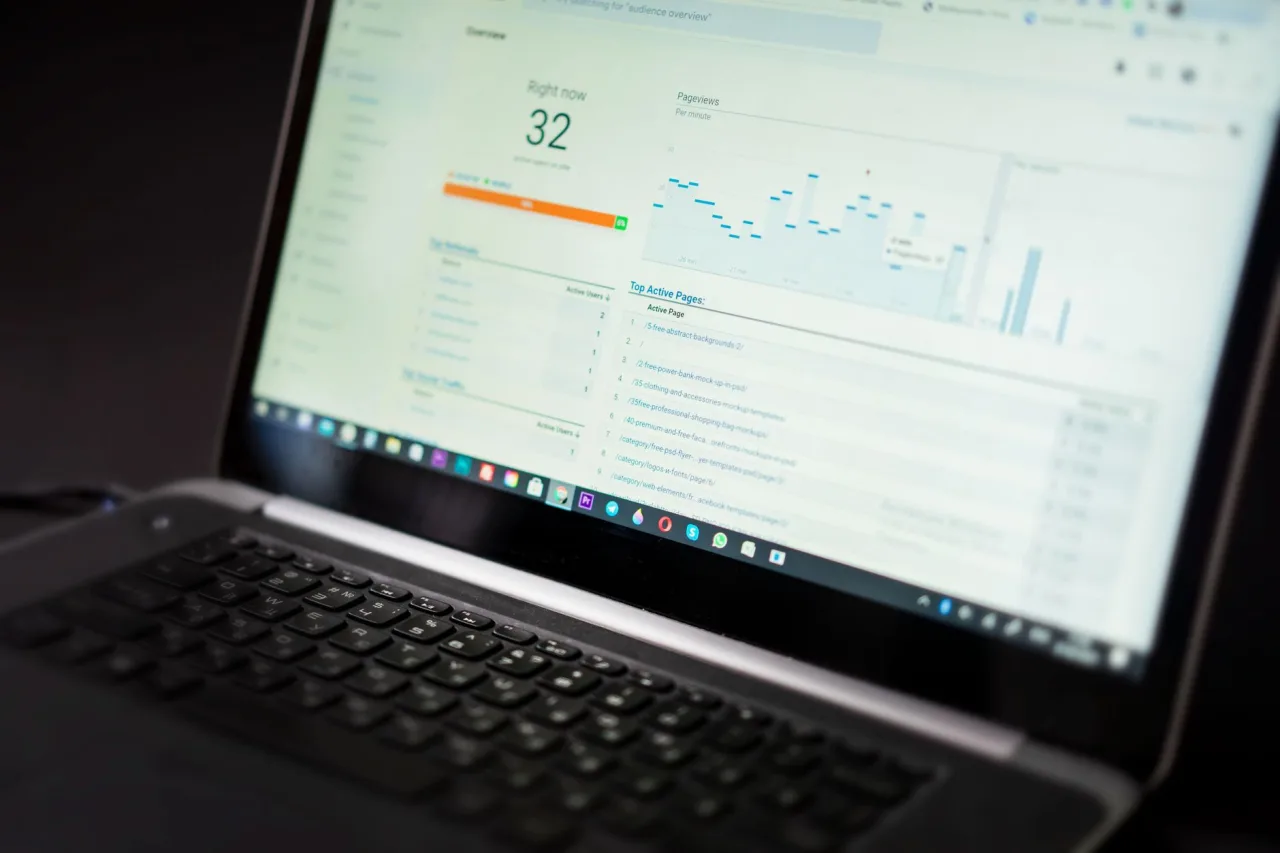
The first time you open a crawl of your own site it can look overwhelming. Focus on a few high-value columns and ignore the rest until the basics are clean.
- Status codes. Anything returning 404 (not found) or 5xx (server error) needs attention. A 200 is healthy; a 301 is a permanent redirect, which is usually fine.
- Broken internal links. These waste crawl effort and frustrate readers. Fix the link or redirect the target. Our guide to broken links covers the how.
- Missing or duplicate titles and meta descriptions. Every important page should have a unique, descriptive one. See our meta tags guide.
- Redirect chains. One redirect is fine; a chain of three or four slows crawling and should be collapsed to a single hop.
Tip
Fix issues worst-first. A page returning a server error or a broken link that blocks crawling matters far more than a slightly long meta description. Sort your report by severity, clear the blockers, then work down to the cosmetic items. This keeps a long list from feeling paralyzing.
Turn findings into fixes
A checkup is only useful if it changes something. Work through the results in this order:
- Unblock crawling and indexing. Remove accidental robots.txt blocks, fix server errors, and make sure your sitemap lists the pages you want indexed.
- Repair broken links and redirects. Correct or redirect every 404, and collapse redirect chains.
- Improve the slowest pages. Apply PageSpeed Insights suggestions to your most important, slowest pages first.
- Tidy on-page basics. Give every key page a unique title and meta description and a clear heading structure.
Once the foundations are clean, the higher-level SEO work, keyword targeting and content, has a stable base to build on. If the list is bigger than you can handle alone, our overview of SEO services explains when outside help is worth it.
Make it a habit, not a one-off
Sites change constantly. Pages get retired, plugins update, images bloat, and links break. A checkup you ran six months ago tells you little about today. Set a recurring schedule, monthly for an active site, quarterly for a smaller one, and re-run the same free tools. Comparing reports over time turns SEO from firefighting into steady maintenance, which is exactly where it should live. The same discipline applies to your wider website SEO work.
A simple recurring checkup routine
You do not need a complicated process to stay on top of site health. A repeatable routine you can run in an hour beats an elaborate audit you never finish. Here is a lightweight loop that works for most sites:
- Open Search Console. Skim the Pages report for new indexing errors and the Performance report for any query that lost clicks since last month.
- Crawl the site. Run Screaming Frog's free tier and sort by status code to catch new 404s and redirect chains.
- Spot-check speed. Run your two or three most important pages through PageSpeed Insights and note any regression.
- Log and fix. Keep a short running list of issues and clear the most serious ones before the next cycle.
The value is in the repetition, not the sophistication. A modest checkup done every month will keep a site healthier than a deep audit done once a year and then forgotten. Over time you will also learn your site's usual patterns, which makes genuine problems easier to spot the moment they appear.
Frequently asked questions
What is an SEO site checkup?
An SEO site checkup is a structured health inspection of your website. It scans for technical and on-page problems that hold back search performance, including crawlability, indexing, speed, mobile-friendliness, broken links, and missing titles or meta descriptions. The goal is to find specific issues so you can fix them in priority order.
Is there a free SEO site checkup tool?
Yes, several. Google Search Console and Bing Webmaster Tools cover indexing and crawl issues, Google PageSpeed Insights tests speed and stability, and the free tier of Screaming Frog SEO Spider crawls your own site to find broken links and missing titles. These free tools cover the essentials, so you do not need to buy a proprietary scanner to start.
What does a good SEO checkup score mean?
A score out of 100 is only a summary, not a diagnosis. A page can score well and still fail the searcher, or score poorly for issues that barely matter. Use the score to spot candidates for fixing, then judge each issue on its own merits and fix the most serious ones first.
How often should I run an SEO site checkup?
Run one on a schedule rather than once. Monthly suits an active site and quarterly suits a smaller one. Sites change constantly as pages are retired, plugins update, and links break, so re-running the same free tools and comparing reports over time keeps small problems from becoming big ones.
What is the most important thing a checkup finds?
The highest-priority findings are anything that blocks crawling or indexing, such as server errors, accidental robots.txt blocks, or broken internal links. These stop search engines from reaching your content at all, so fix them before cosmetic items like slightly long meta descriptions.
Authoritative references used in this guide: Google's SEO Starter Guide and the Core Web Vitals overview on web.dev.
More on SEO Strategy & Basics
Have a question or a topic to suggest?
We read every message. Tell us what you would like to see next.
Get in touch