Keyword Rank Checker: Read & Fix
How to track keyword positions over time and act on the trend, with free tools and a focused keyword list.

A keyword rank checker tracks where your pages sit for the specific search terms you care about, and how those positions move over time. Used well it is the single clearest measure of whether your SEO work is paying off. Used badly it is a source of daily panic over meaningless one-position wobbles. This guide shows you how to read a rank checker properly and what to do about each result, with free tools named throughout.
The short version
- A keyword rank checker records your position for chosen keywords and, crucially, tracks the trend over weeks rather than a single snapshot.
- The most reliable free rank data is your real average position in Google Search Console, straight from Google.
- Track a focused list of ten to thirty keywords that matter to the business, not hundreds of vanity terms.
- 404Pulse does not sell a rank tracker. This is a guide to interpreting any rank checker and acting on what it shows.
What a keyword rank checker does
A keyword rank checker takes a list of search terms and, for each one, records where your site currently ranks in the results. The best of them do this on a schedule, so you build a history rather than a one-off number. That history is the whole point. A position on its own tells you almost nothing, because rankings shift constantly as Google tests results. A trend line over four to twelve weeks tells you whether a page is climbing, sliding, or holding.
Rank checkers differ from a broad SERP snapshot in their focus. A SERP checker is about understanding one results page in depth: who ranks and what features surround them. A rank checker is about tracking many keywords over time so you can see momentum. The two are complementary, and most serious SEO routines use both, as covered in the guide to using a SERP checker.
Why a single position number lies to you
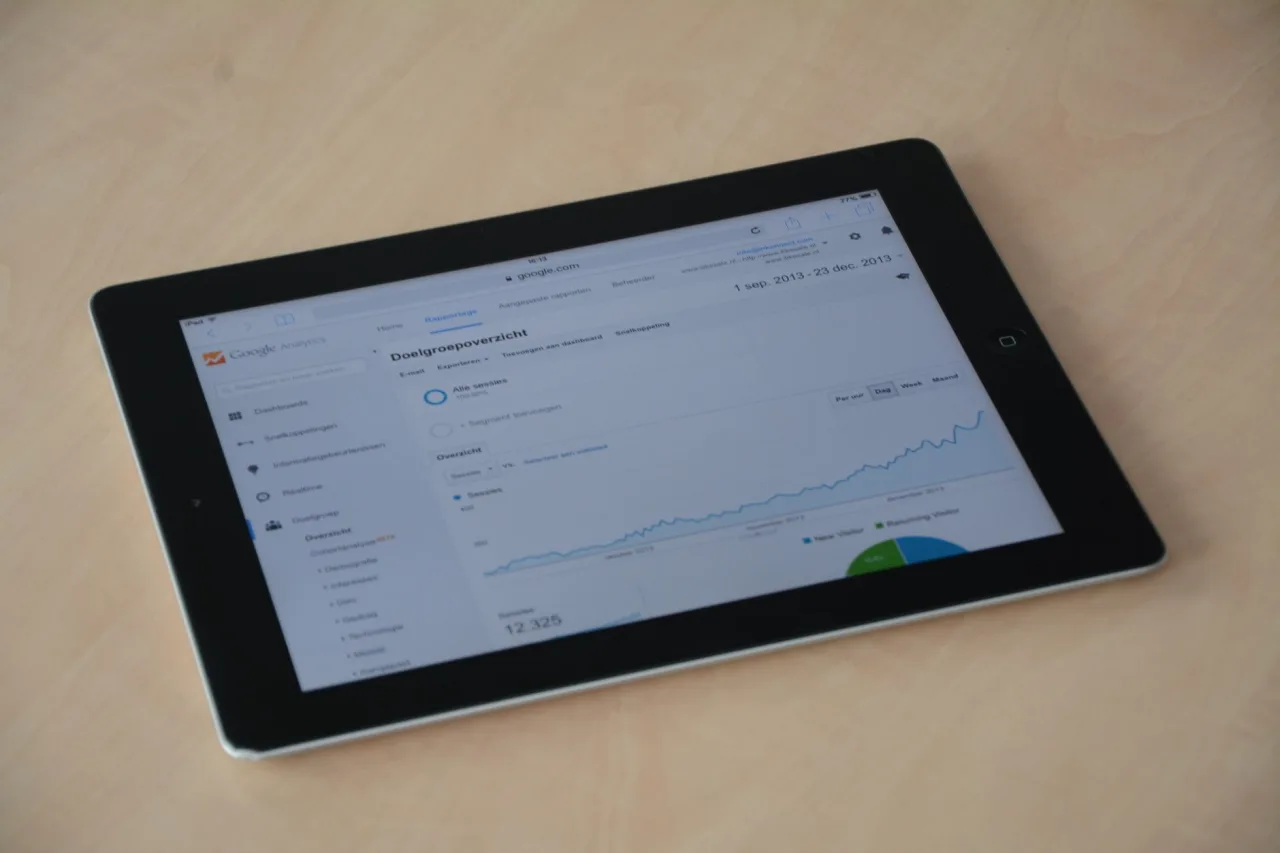
Paste a keyword into a rank checker today and again tomorrow, and the number will often change even if you did nothing. That is normal. Google personalizes and localizes results, and it constantly re-tests rankings, so daily movement of one or two positions is background noise, not a signal. Google is also clear that no one can guarantee a fixed ranking, as stated in Google Search Central.
The practical consequence is simple: never judge a change by a single day. When you edit a page, note the date, then look at the trend two to four weeks later. If you rewrite a page every time it drops a spot, you never give any change time to settle, and you can never tell what actually worked.
Tip: average position is a distribution, not a rank. Search Console's Average Position blends every location and device where you appeared. An average of 6 might mean you rank 3 in one city and 12 in another. When a number looks odd, segment it by country and device before drawing conclusions.
The most trustworthy free rank data
The single most reliable free rank checker is Google Search Console, because its numbers come directly from Google rather than a third party simulating a search. Its Performance report gives you the real average position for every query your site appeared on, alongside clicks, impressions, and click-through rate, as documented in Google's Performance report help.
Beyond Search Console, these free options fill in gaps:
- Bing Webmaster Tools. The same kind of query and position data for Bing, free of charge.
- A logged-out incognito search. A manual spot check for a single high-value keyword, with no personalization from your account.
- Free tiers of Ahrefs Webmaster Tools and Moz. Useful for directional position context on keywords you do not already rank for, though exact numbers should be treated as estimates.
For a purpose-built tracking view rather than a manual check, a dedicated keyword position checker and a wider rank tracker guide walk through building an ongoing record.
Choosing the keywords worth tracking

A rank checker is only as useful as the keyword list you feed it. The most common mistake is tracking hundreds of terms, most of which do not matter, which buries the ten that do in noise. Build a focused list instead:
- Money keywords. Terms that directly drive sales, sign-ups, or leads. These deserve the closest watch.
- Priority content keywords. The main term for each important article or landing page you have invested in.
- Rising opportunities. Terms where you sit on page two and a push could break you into page one.
- Brand terms. Your own name and products, to confirm you own your branded results.
Keep the list to something you can actually act on, usually ten to thirty terms for a small site. You can always widen it later. To find fresh terms worth adding, start from a keyword research pass rather than guessing.
Fixing what the rank checker reveals
Every ranking pattern points at a specific action.
A keyword stuck on page two. This is the highest-value place to work. You are close to the page-one traffic cliff, so small gains pay off. Refresh the content to fully match intent, add the subtopics that page-one results cover and you skip, tighten your title and headings around the term, and add internal links from strong pages. Then watch the trend for a month.
A steady slide over several weeks. A sustained decline, unlike daily noise, is a real signal. Check whether a competitor overtook you with fresher or deeper content, whether the page has technical problems, or whether search intent for the term has shifted. Fix the specific cause rather than rewriting blindly.
A ranking that appears then vanishes. A page that flickers in and out of the results is often thin, duplicated, or competing with another page of yours for the same term. Consolidate overlapping pages and strengthen the one you want to rank.
A strong ranking with weak clicks. If a keyword ranks well but earns few clicks, the problem is the title and description, or SERP features stealing the click. Rewrite the title tag to be more compelling and see if the click-through recovers.
Warning: do not confuse ranking with traffic. A number one position on a keyword nobody searches for is worthless, while position five on a high-volume term can drive real business. Always weigh a ranking against the search demand and commercial value behind the term.
A rank-tracking routine that scales
Turn rank checking into a light, repeatable habit rather than an anxious daily ritual:
- Lock in your focused keyword list and record a baseline position for each.
- Recheck weekly for competitive terms and monthly for stable ones.
- Log every content and technical change beside the affected keyword and date.
- Each cycle, escalate only the terms moving against you and diagnose those in Search Console first.
- Review the whole list quarterly to drop dead terms and add new opportunities.
This keeps your attention on the handful of keywords that move the business and stops the checker from generating false alarms. To see how individual keyword ranks roll up into an overall picture of a domain's visibility, pair this habit with a keyword ranking checker tool that aggregates across your full term set.
Frequently asked questions
What is the best free keyword rank checker?
Google Search Console is the best free option because its average position data comes directly from Google, covering every query your site actually appeared on. Bing Webmaster Tools adds the same for Bing, and a logged-out incognito search works for a quick manual check of a single term.
How often should I check my keyword rankings?
Weekly is enough for competitive, high-value keywords, and monthly for stable ones. Daily checking mostly surfaces normal ranking noise. What matters is the trend over two to four weeks after you change something, not the position on any single day.
Why does my keyword ranking keep changing every day?
Because Google personalizes results by location and device and constantly re-tests rankings. Daily movement of one or two positions is background noise, not a signal. Judge changes by the trend over several weeks rather than reacting to individual days.
Does 404Pulse have its own keyword rank checker?
No. 404Pulse is an educational blog, not a tool vendor. This guide teaches you to interpret and act on the output of any rank checker using free tools such as Google Search Console and Bing Webmaster Tools.
How many keywords should I track?
For most small and medium sites, ten to thirty carefully chosen keywords is ideal: your money terms, priority content terms, page-two opportunities, and brand terms. Tracking hundreds of vanity keywords buries the ones that matter in noise and makes the data harder to act on.
More on SEO Checkers & Tools
Have a question or a topic to suggest?
We read every message. Tell us what you would like to see next.
Get in touch